Runs in your browser — 0 KB ever uploaded
Clean up your messy CSV and spreadsheet data
Remove duplicates, fix phone numbers and emails, split names — then convert and chart your CSV or Excel file. It all happens on your own device, so your file is never uploaded and nothing can leak.
Made for people who live in spreadsheets, not code — no formulas, no installs.
- No sign-up to try it
- Your file is never uploaded
- Works even offline
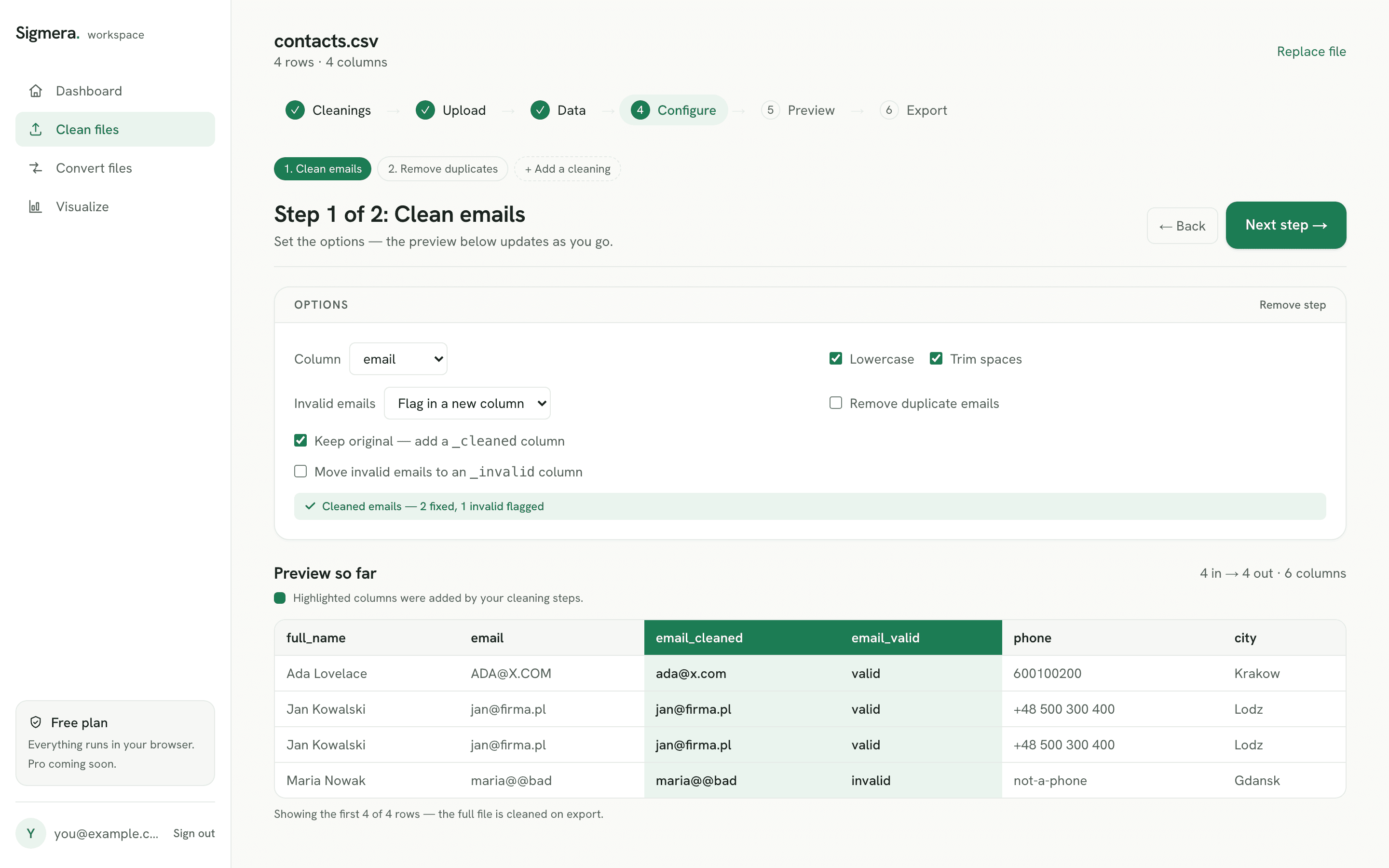
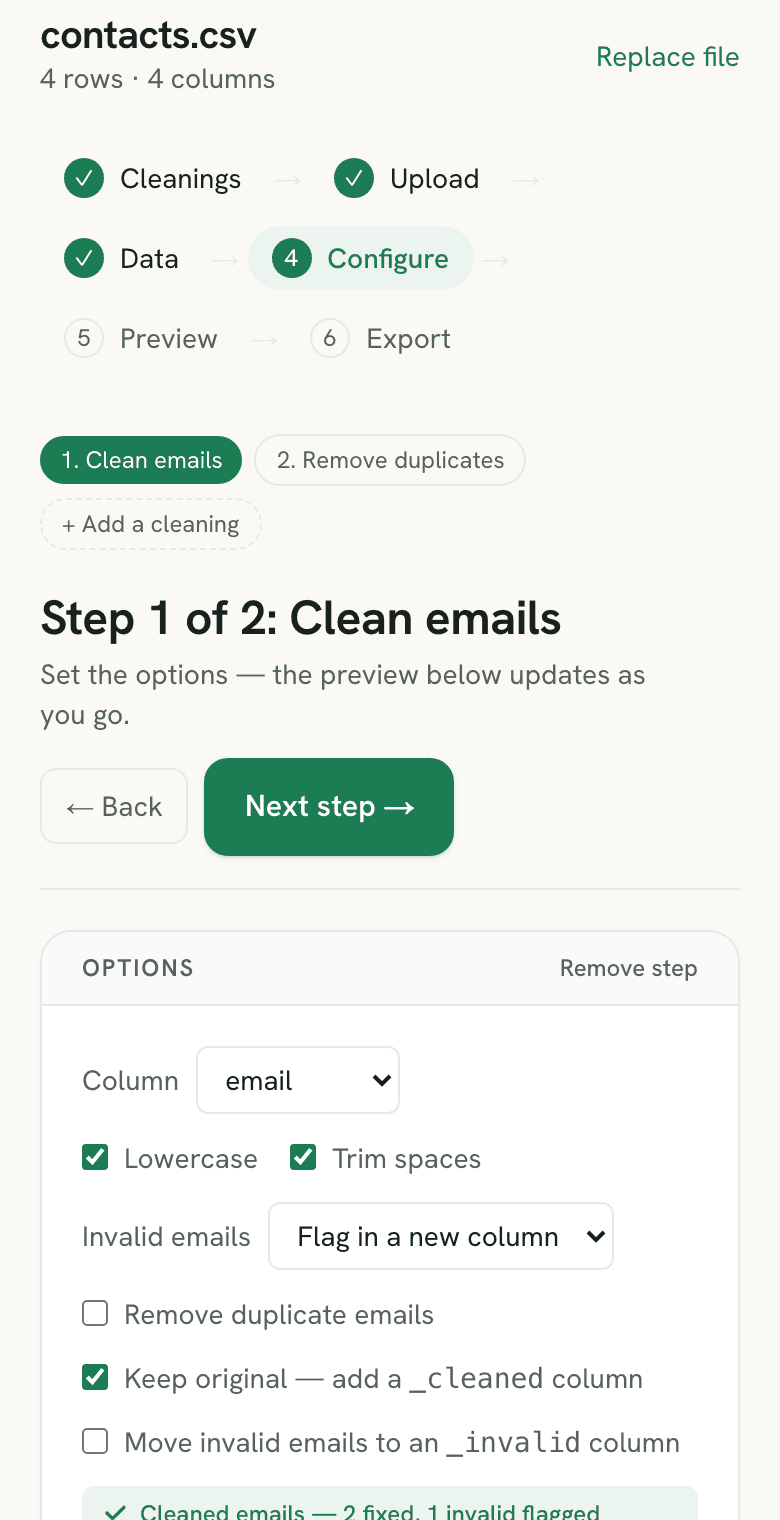
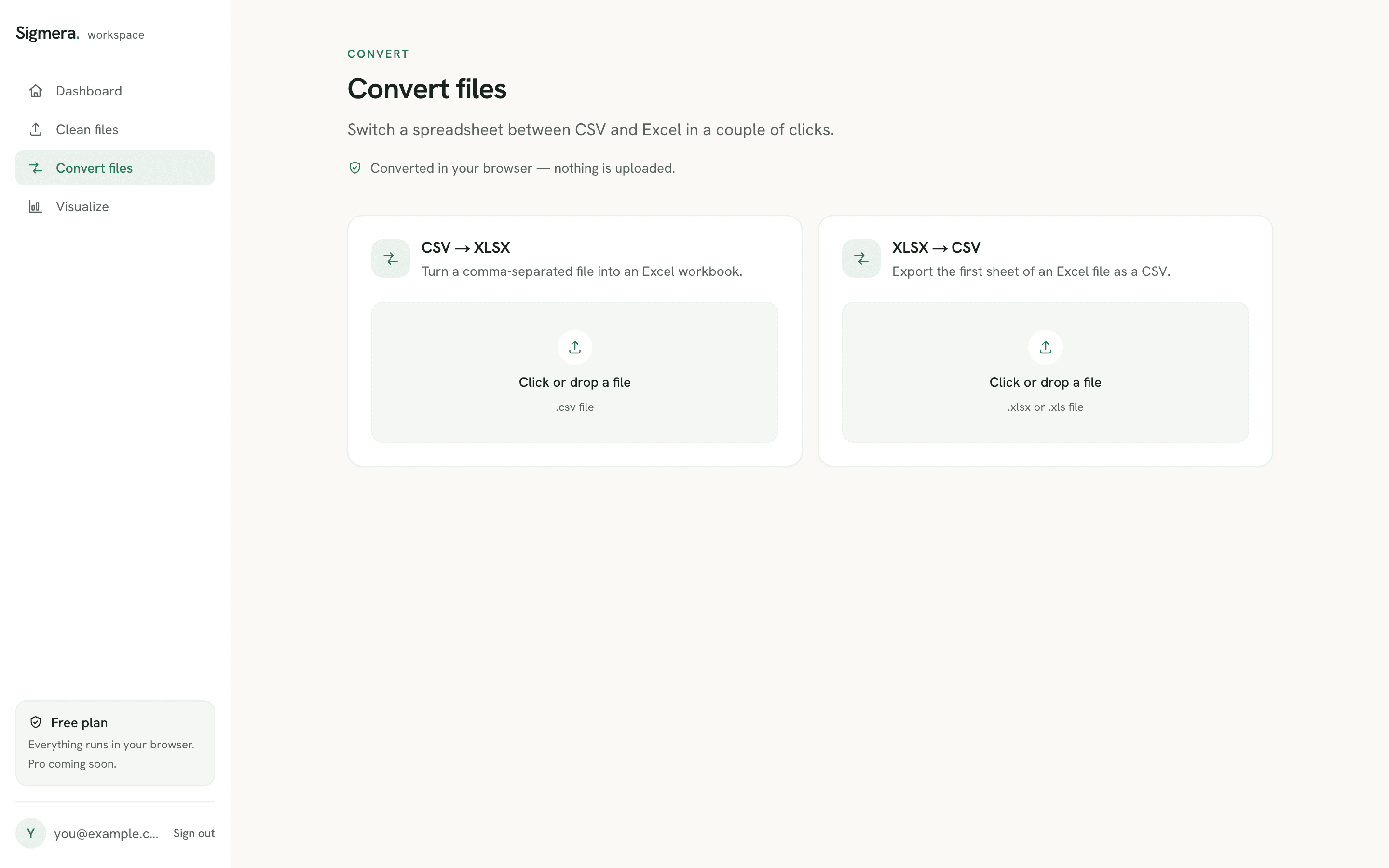
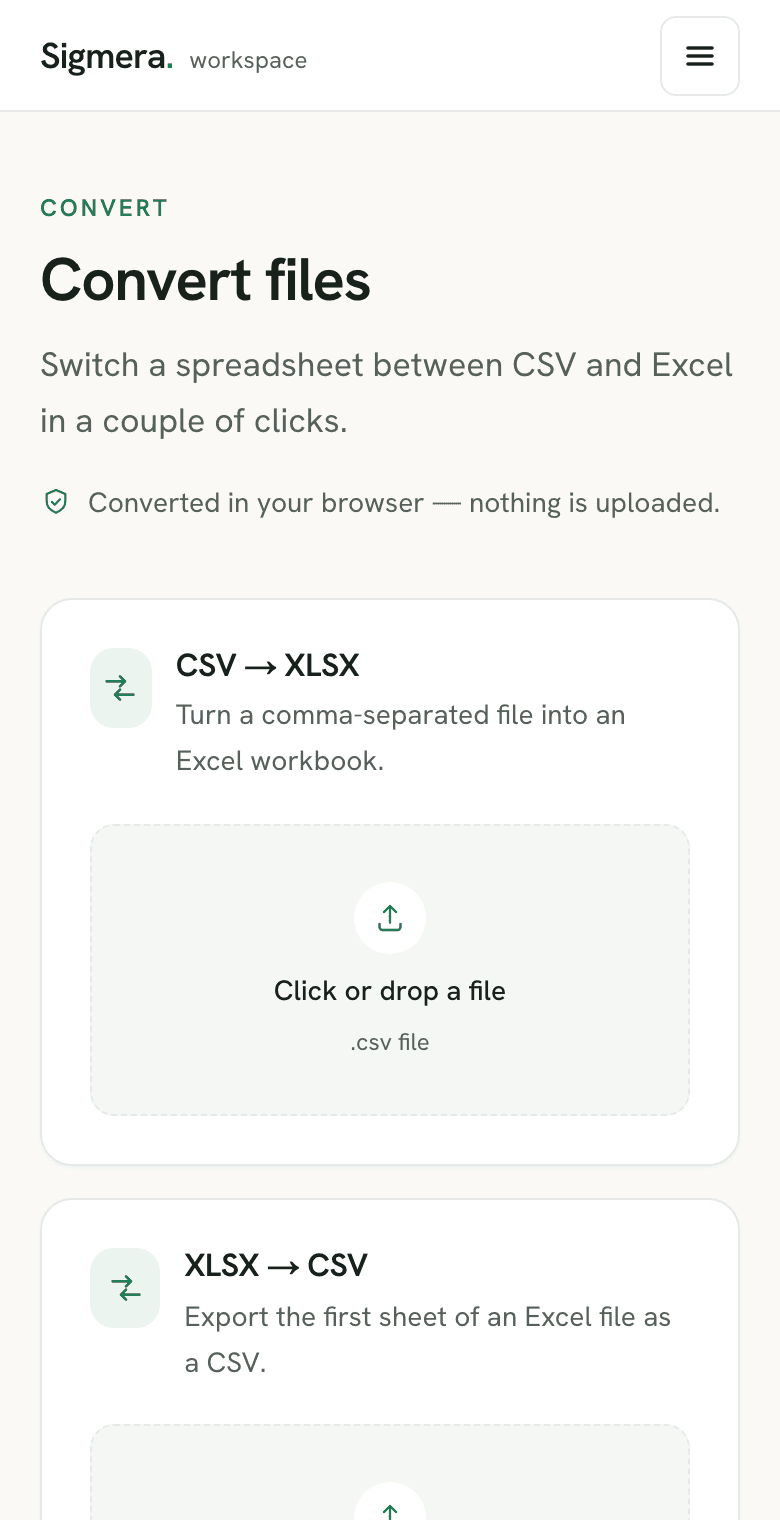
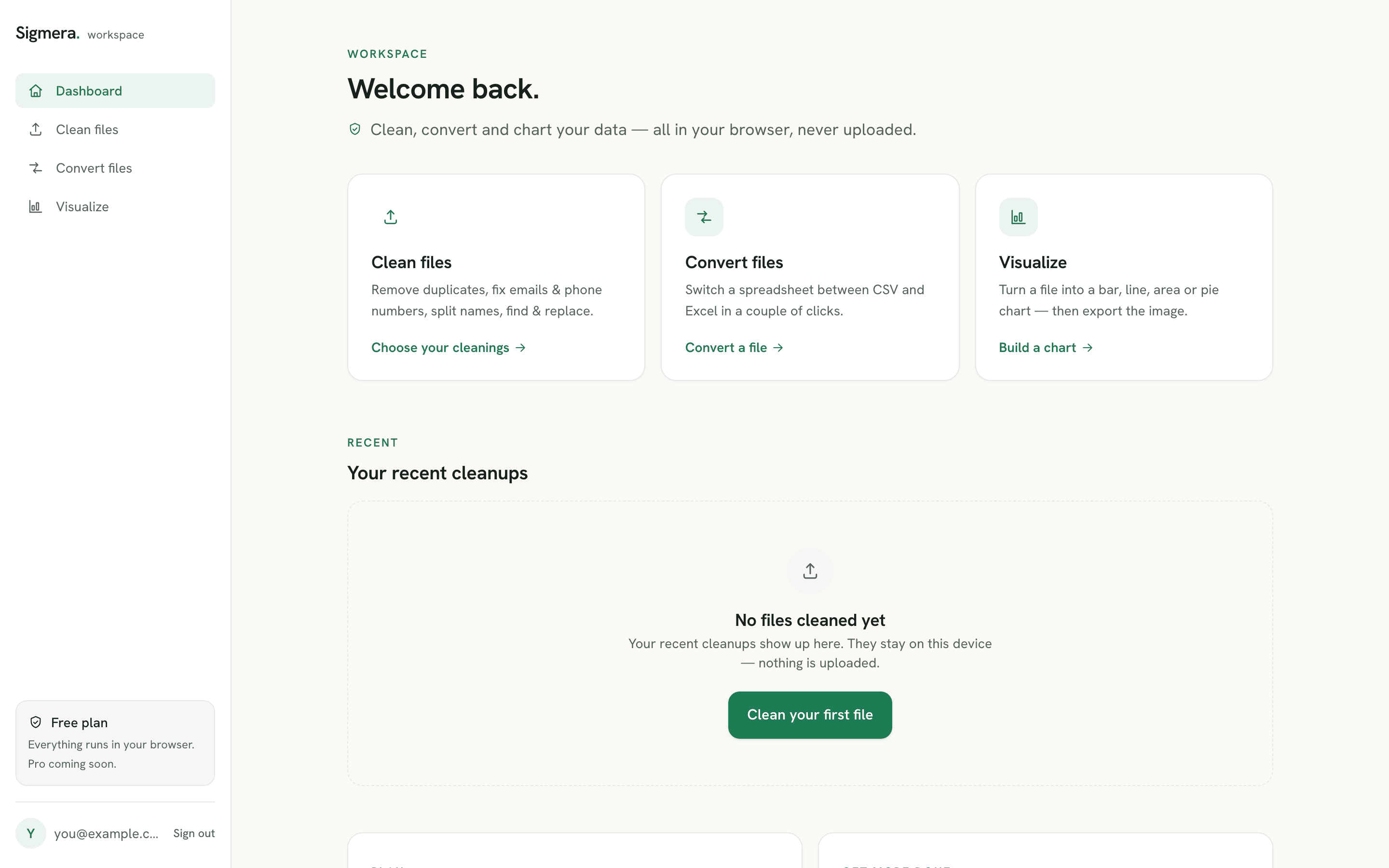
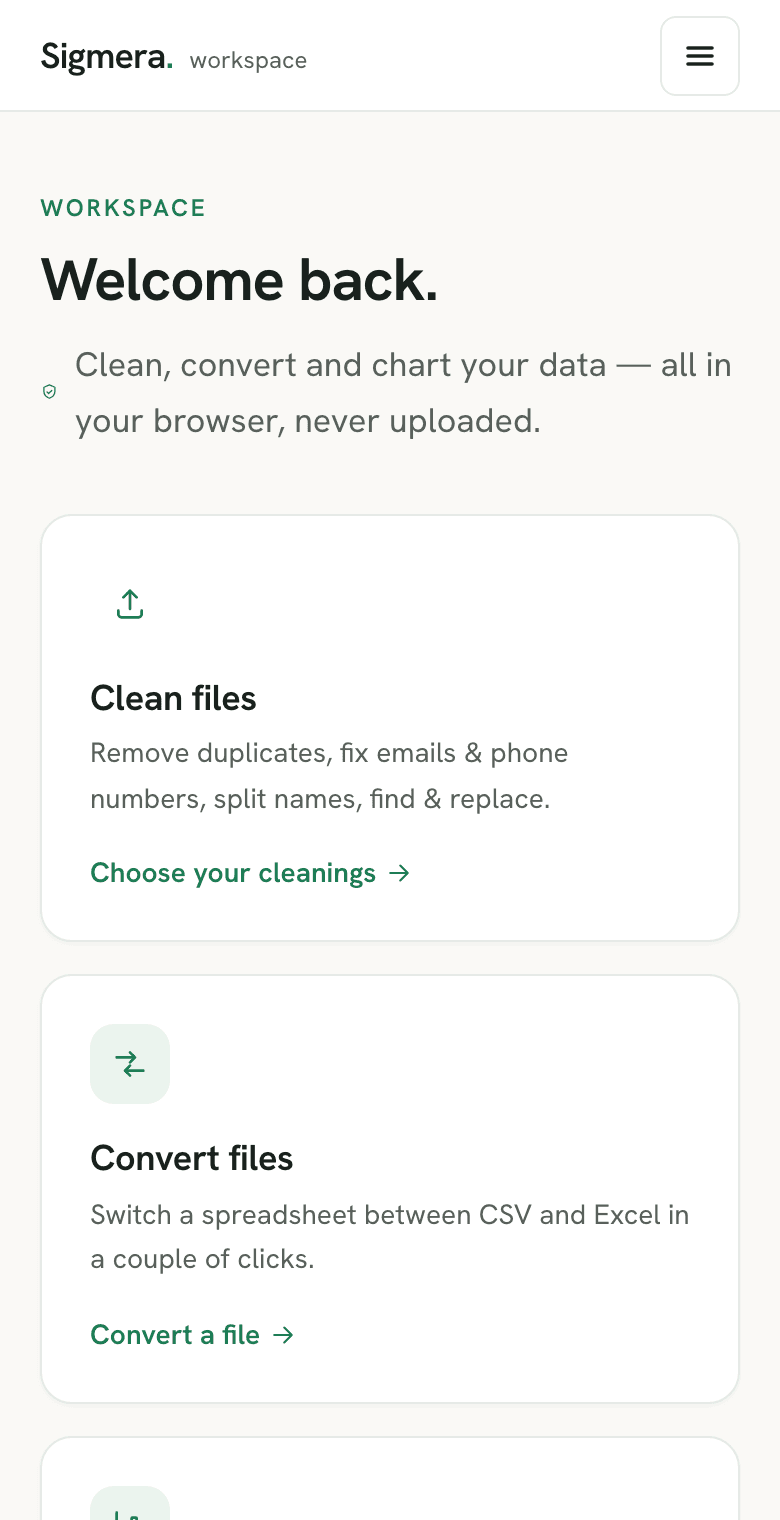
Clean files. Stack cleanings and watch a live preview.
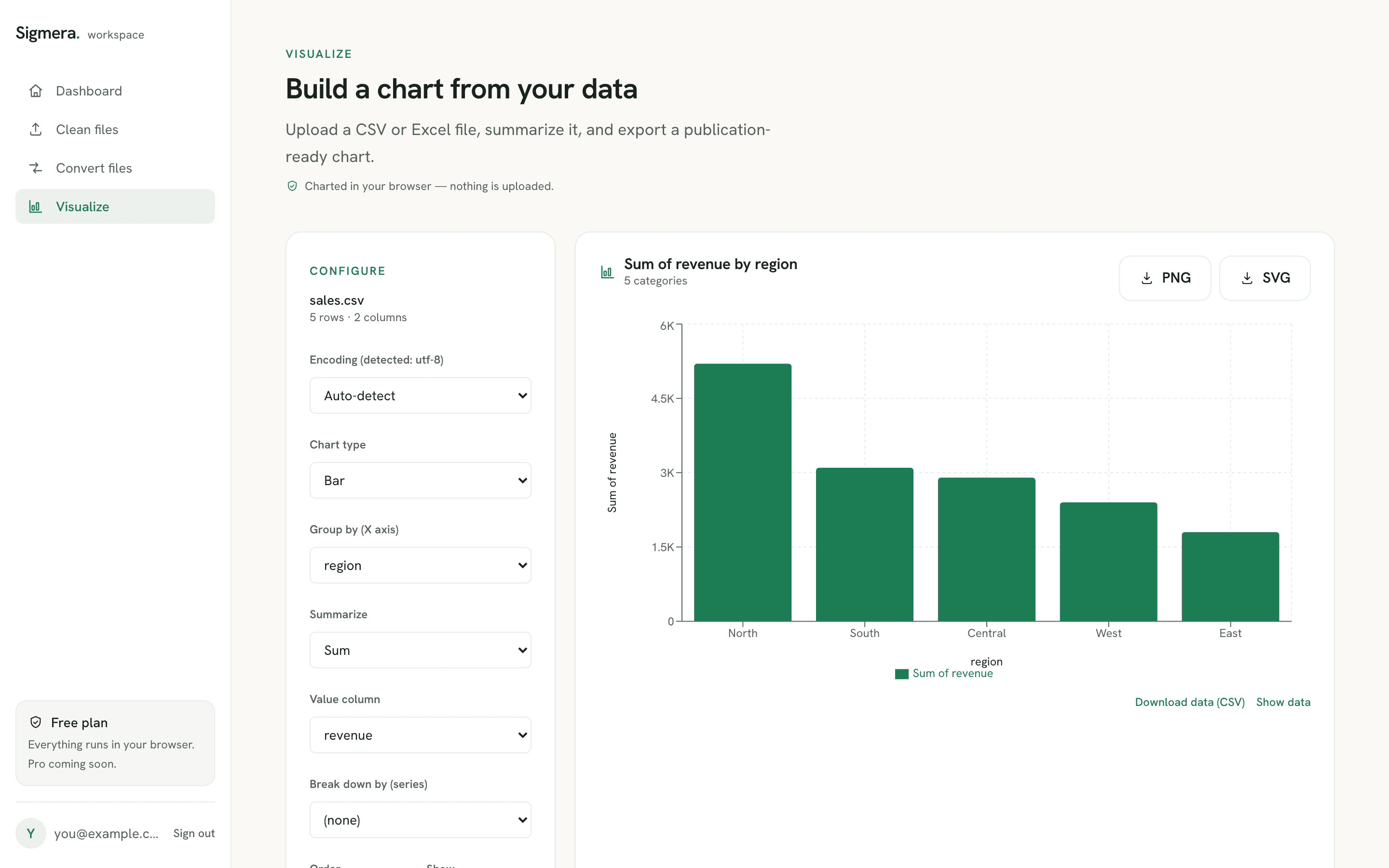
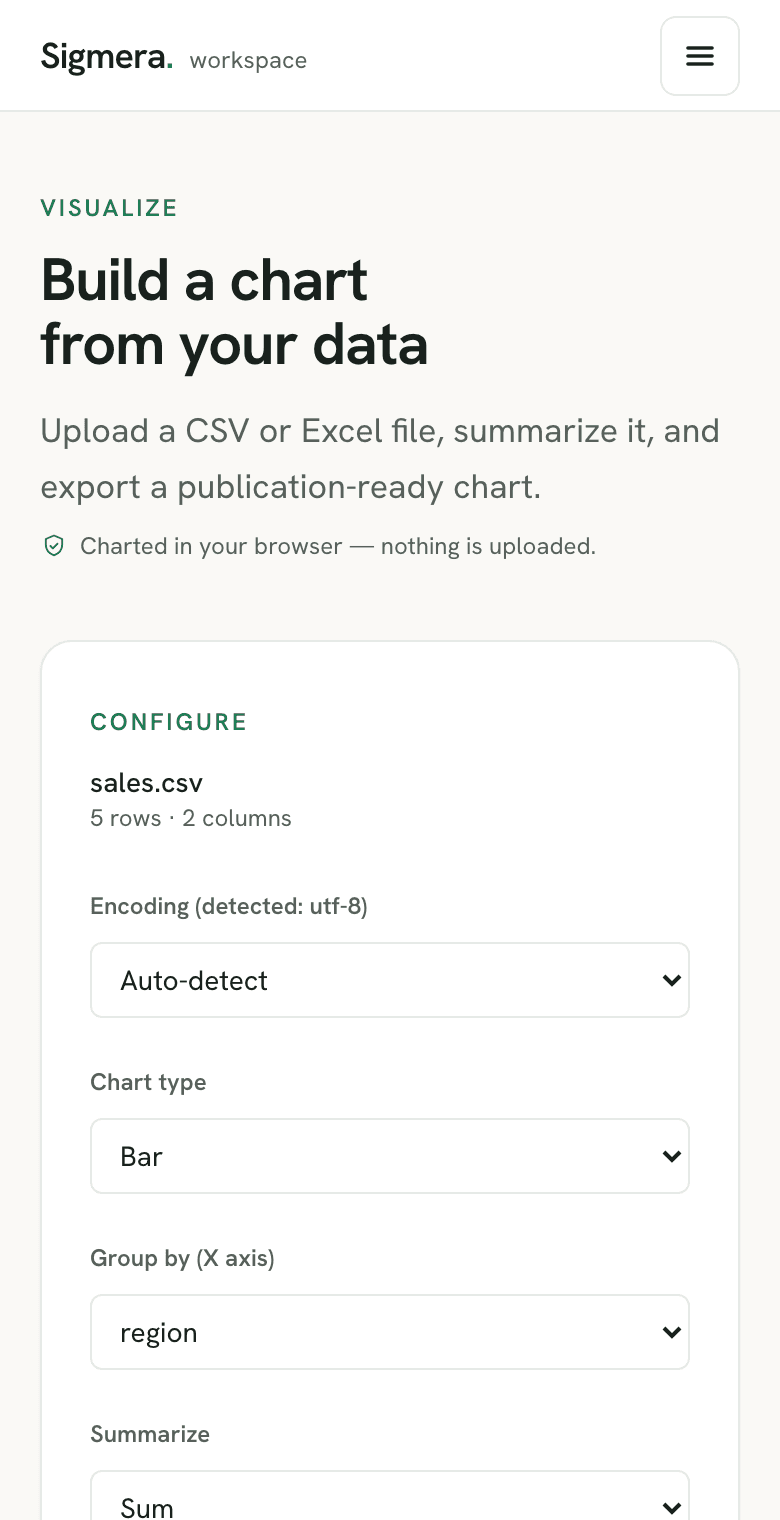
See every surface. Clean, convert, chart.
A free account opens a private workspace — the same tools without the demo limits, all still running in your browser.
Your data never leaves your device
Most online cleaners upload your file to a server you can’t see. Sigmera never does — every tool runs locally in your browser’s memory, and you can verify it yourself.
- No upload, ever. Your file is read in the browser, not sent anywhere.
- Works offline. Turn off Wi-Fi after the page loads — it still cleans.
- Nothing stored. Close the tab and the data is gone. No copy on a server.
- Your data stays yours. Files are processed locally — there's no server copy to leak or sell.
- Files uploaded
- 0
- Bytes sent to a server
- 0 KB
- Where your file lives
- This device
Open your browser’s Network tab while you clean — you’ll see nothing leave.
Free to start. Upgrade when you outgrow it.
No credit card to begin — and your data never leaves your browser on any plan.
Free
For the occasional clean-up.
$0 forever
- 3 downloads / month
- Every tool — clean, convert & chart
- Unlimited rows & file size
Pro
For weekly spreadsheet work.
$15 /mo
- 30 downloads / month
- Unlimited CSV ⇄ Excel conversions
- Email support
Pick a tool
Clean, convert, or chart your data — each tool does one job well. No formulas, no setup, no upload. Pick what you need to do.
Remove duplicates from CSV
Delete duplicate rows by any column, keep the first or last match, and download a clean file.
Open toolClean phone numbers
Format a messy column of phone numbers to the E.164 standard, with no upload.
Open toolClean email column
Lowercase, trim, validate, and dedupe an email column in a CSV — entirely in your browser.
Open toolSplit full names
Break a full-name column into separate first and last name fields, with optional middle name.
Open toolCombine columns
Merge two or more CSV columns into one — pick a separator and name the new field.
Open toolFind and replace in a CSV
Swap text in a column like Excel's Find & Replace — match case or whole cell, with no upload.
Open toolConvert CSV to Excel
Turn a CSV into a formatted .xlsx workbook in your browser — no upload, no install.
Open toolConvert Excel to CSV
Export the first sheet of an .xlsx or .xls file to a clean CSV — entirely in your browser.
Open toolVisualize a CSV as a chart
Summarize a spreadsheet into a bar, line, area or pie chart and export the image — nothing uploaded.
Open toolBuilt for real cleanup jobs
Clean a CSV before a HubSpot import
Fix phone numbers, normalize emails, and remove duplicates so your HubSpot import succeeds the first time.
Deduplicate sales leads
Strip duplicate leads out of an export so your pipeline numbers and outreach don't double-count people.
Clean recruitment data
Dedupe an applicant list and split candidate full names into first and last name fields for your ATS.
Clean a customer list before a CRM import
Validate and dedupe an email column so your CRM doesn't reject rows or create duplicate contacts.
Frequently asked questions
- Does Sigmera upload my file to a server?
- No. Sigmera processes every file entirely inside your web browser using client-side JavaScript. Your data never leaves your device and is never transmitted to our servers — you can open your browser's network tab and check. That makes it GDPR-safe by design.
- Is it free?
- Yes. A free account — no credit card — gives you 3 downloads a month across every tool. Pro ($15/mo) raises that to 30 and Max ($39/mo) is unlimited. Uploading, configuring, and previewing the full result is always free and unlimited.
- Will it handle my file size?
- Yes. Rows and file size are unlimited on every plan — because the work happens in your browser, the only limit is your device's memory, not a server quota. Plans differ only by how many finished files you download each month.
- What happens to my data after I close the tab?
- Nothing — it was only ever in your browser's memory, so it's gone the moment you close the tab. There is no copy on any server.
- Do I need to install anything?
- No. Sigmera runs in any modern browser on any operating system — there is nothing to download or set up.
Ready to clean your file?
Drop a file and see the result in seconds — no sign-up to try it, and nothing leaves your device.
No account needed to try · open the workspace